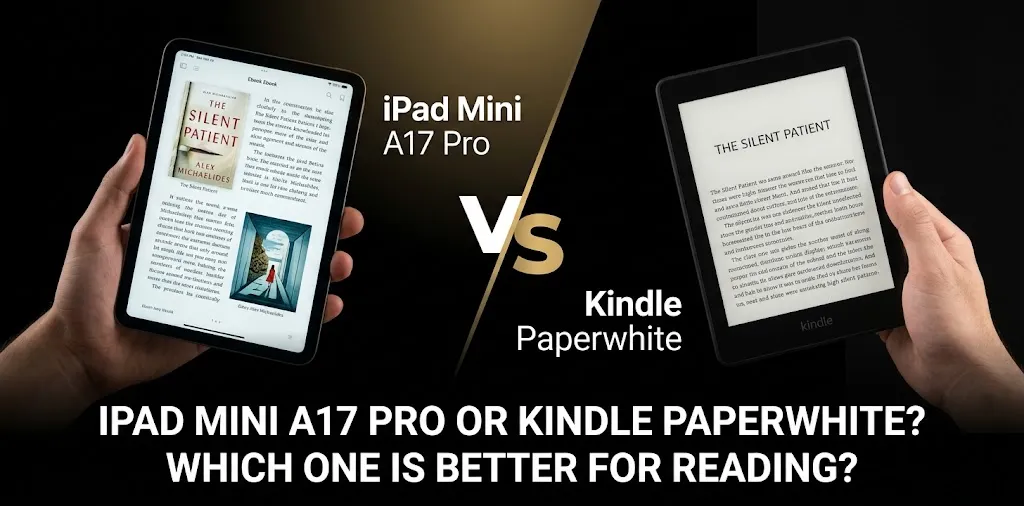
iPad Mini A17 Pro or Kindle Paperwhite? Which one is better for reading?

If reading is your main goal, the Kindle Paperwhite is the better choice for most readers. Its 7-inch glare-free E Ink display, adjustable warm light, lighter 211-gram design, waterproof build, and battery life of up to 12 weeks make it better suited to long reading sessions. The iPad mini A17 Pro is the better option if you also want apps, comics, PDFs, color, web browsing, and a full tablet experience.
The two devices are designed for very different jobs. The iPad mini is a small, powerful tablet that happens to be excellent for reading, while the Kindle Paperwhite is an e-reader built almost entirely around reading.
iPad mini A17 Pro vs Kindle Paperwhite at a glance
| Feature | iPad mini A17 Pro | Kindle Paperwhite |
|---|---|---|
| Main purpose | Tablet and reading | Dedicated e-reader |
| Display | 8.3-inch Liquid Retina | 7-inch E Ink |
| Resolution | 2266 × 1488, 326 ppi | 300 ppi |
| Display type | Color LCD/IPS | Black-and-white E Ink |
| Weight | 293g | 211g |
| Front light | Yes | Yes, with adjustable warm light |
| Battery | Up to 10 hours of web/video use | Up to 12 weeks under Amazon’s stated conditions |
| Waterproof | No IPX8 rating | IPX8 |
| Storage | 128GB, 256GB, or 512GB | 16GB |
| Apps | Yes | No traditional tablet apps |
| Best for | Mixed media and reading | Long-form reading |
| Starting price in the U.S. | $499 | $159.99 |
Apple lists the iPad mini A17 Pro at 293 grams for the Wi-Fi model, with an 8.3-inch, 326-ppi Liquid Retina display and 128GB starting storage. The 2024 Kindle Paperwhite weighs about 211 grams and has a 7-inch, 300-ppi E Ink display with up to 12 weeks of rated battery life.
Which is better for long reading sessions?
The Kindle Paperwhite has the advantage for long reading sessions.
Its E Ink screen is designed to look more like printed text than a conventional tablet display. The Paperwhite also has a glare-free screen and adjustable warm light, which makes it practical for reading in different lighting conditions.
The iPad mini has a sharper-looking, more colorful display and a larger 8.3-inch screen. It is excellent for magazines, illustrated books, PDFs, comics, and content where color matters. Apple also gives the display an antireflective coating and True Tone.
The trade-off is that the iPad mini is still an LCD-based tablet. If you mainly want to sit down and read novels for an hour or two, the Paperwhite’s dedicated reading design makes more sense.
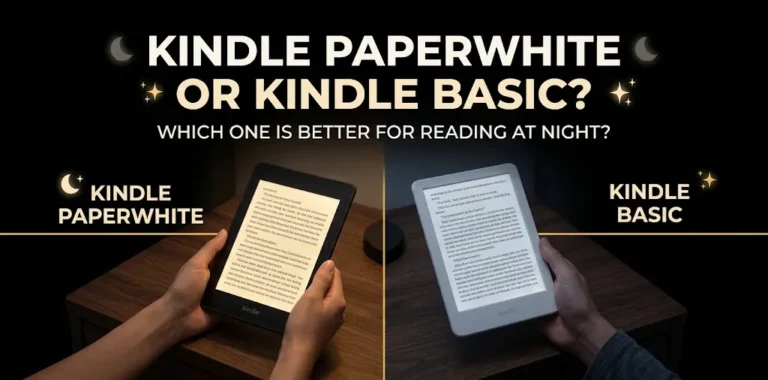
What about reading at night?
Both can work well in a dark room.
The Paperwhite has an adjustable front light and warm-light adjustment, while the iPad mini has a backlit display with True Tone.
The bigger difference is not simply whether either device can be used at night. It is that the Kindle is designed around reading, so there are fewer distractions competing for your attention.
Which has the better display for books?
For plain novels and text-heavy books, Kindle Paperwhite wins.
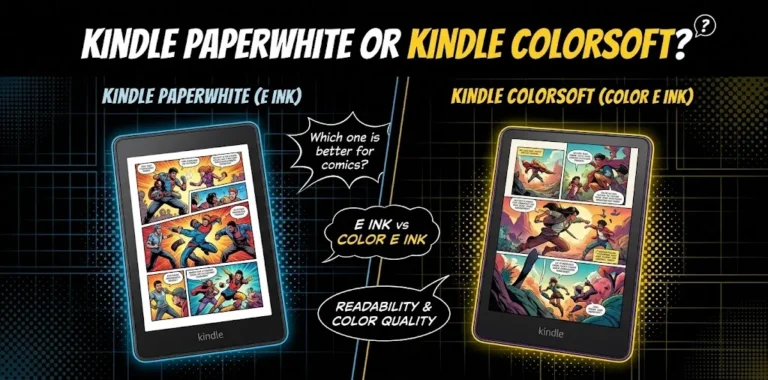
For colorful content, PDFs, comics, magazines, and interactive reading, iPad mini wins.
The iPad mini’s 8.3-inch Liquid Retina display supports wide color, True Tone, antireflective coating, and 326 pixels per inch.
The Paperwhite uses a 7-inch, 300-ppi black-and-white E Ink display. Its biggest strength is not color or animation; it is presenting text in a format built specifically for reading.
That makes the choice fairly simple:
- Mostly novels: Kindle Paperwhite
- Comics and graphic books: iPad mini
- Magazines: iPad mini
- Color illustrations: iPad mini
- Mostly plain text: Kindle Paperwhite
- PDF textbooks with charts or color: iPad mini
Which is more comfortable to hold?
The Kindle Paperwhite is noticeably lighter.
The Paperwhite weighs about 211 grams, compared with 293 grams for the Wi-Fi iPad mini. That’s an 82-gram difference before adding a case.
That difference may not seem large when you first pick them up. It becomes more noticeable when you’re holding a device for a long reading session.
The iPad mini is still compact enough to be a comfortable portable tablet. But if you regularly read one-handed in bed, on a couch, or while traveling, the lighter Kindle has a clear advantage.
Which has better battery life?
The Kindle Paperwhite wins by a wide margin.
Amazon rates the 12th-generation Paperwhite for up to 12 weeks of battery life under specific conditions, including limited daily reading and wireless turned off. Actual battery life varies with usage and lighting.
Apple rates the iPad mini for up to 10 hours of web surfing on Wi-Fi or video playback.
These numbers aren’t directly comparable because the devices perform very different tasks. Still, the practical difference is important: you may think about charging the iPad regularly, while a Kindle can often go for weeks between charges.
If you travel frequently and don’t want to carry a charger just for your reading device, Paperwhite is the easier choice.
Which is better for reading outside?
The Kindle Paperwhite is the better outdoor reading device.
Its E Ink display is glare-free, making it well suited to bright environments. The iPad mini has an antireflective coating and a bright 500-nit display, so it can certainly be used outdoors, but it is still a conventional illuminated tablet screen.
For example, if you plan to read by a pool, at the beach, or on a sunny vacation, the Paperwhite makes more sense.
It also has an IPX8 waterproof rating, which gives it another advantage around water.
Which is better for travel?
For reading-only travel, Kindle Paperwhite is the better choice.
It is lighter, smaller, has a much longer battery life, and is waterproof.
The iPad mini becomes more attractive if your travel device needs to do more than read.
You can use it for books, streaming, web browsing, email, games, maps, note-taking, and other apps. Its A17 Pro chip also gives it far more performance than an e-reader needs.
So the question is really whether you want a reading device that can do other things or a tablet that is also good for reading.
Which is better for PDFs and textbooks?
The iPad mini is generally the better choice for PDFs and textbooks, especially when the documents contain diagrams, images, color, or complex layouts.
Its 8.3-inch color display gives you more flexibility for documents that aren’t designed like simple Kindle books. You can also use apps for note-taking, annotation, document management, and other study tasks.
The Paperwhite can handle many types of digital reading, but its black-and-white E Ink screen and smaller display are less suitable for documents that depend heavily on color or complex page layouts.
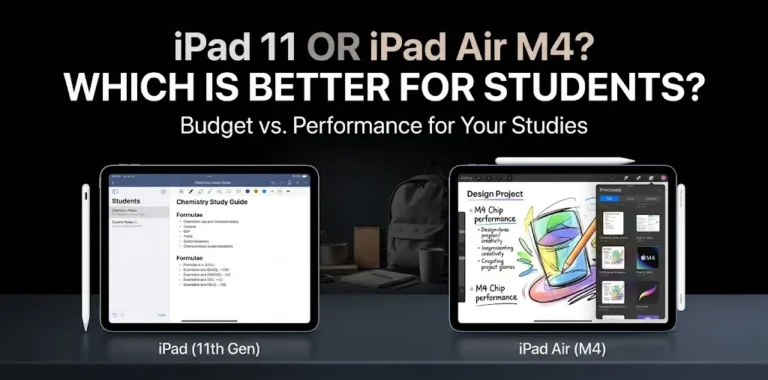
If you’re a student who needs one device for reading textbooks, browsing the web, taking notes, and using study apps, the iPad mini is much more versatile.
Which is better for avoiding distractions?
The Kindle Paperwhite wins easily.
A Kindle is built around reading rather than running a large collection of apps. Amazon even highlights the absence of social media, notifications, and other distracting apps as part of the reading experience.
An iPad mini gives you access to a huge range of apps. That’s useful when you need them, but it can also make it easier to stop reading and check something else.
For someone trying to build a daily reading habit, the simpler device can actually be more useful.
Which gives you more value for the money?
The Kindle Paperwhite is much cheaper if reading is your only priority.
As of September 2026, Amazon lists the Kindle Paperwhite starting at $159.99 in the U.S. Apple’s U.S. store lists the 128GB Wi-Fi iPad mini at $499.
That’s a $339.01 difference at the listed starting prices.
The iPad mini can justify its higher price if you will actually use its tablet features. But paying $499 for an iPad mini just to read novels is difficult to justify when a $159.99 Paperwhite is purpose-built for that job.
iPad mini A17 Pro or Kindle Paperwhite: which should you buy?
Choose the Kindle Paperwhite if:
- You mainly read novels and other text-heavy books.
- You read for long periods.
- You want weeks of battery life.
- You read outside often.
- You want a lightweight device.
- You want fewer distractions.
- You want waterproofing.
- You want to spend much less.
Choose the iPad mini A17 Pro if:
- You want a tablet rather than a dedicated e-reader.
- You read comics or magazines.
- You need color.
- You frequently read PDFs.
- You use study or productivity apps.
- You browse the web while reading.
- You want to stream videos or play games.
- You want one small device for many different tasks.
A simple example for a novel reader
Imagine you mostly read fiction for an hour every night and take your device on weekend trips.
You probably don’t need an A17 Pro chip, 128GB of tablet storage, cameras, or thousands of apps. The Paperwhite gives you a lighter reading device with a glare-free E Ink screen and much longer battery life.
In that situation, buying the iPad mini would mean paying for capabilities you may rarely use.
A simple example for a student
Now imagine you read textbooks, open PDFs, watch lectures, take notes, browse research websites, and occasionally read novels.
The iPad mini makes more sense because those activities benefit from a full tablet operating system, a color display, and much stronger general-purpose hardware. Apple lists support for apps, Apple Pencil, external displays, and other tablet functions that the Kindle isn’t designed to replace.
The biggest difference is not screen size
It’s easy to look at the 8.3-inch iPad mini and 7-inch Paperwhite and assume the larger screen automatically makes the iPad better for reading.
It doesn’t.
The more important difference is LCD tablet versus E Ink e-reader.
The iPad mini gives you a bright, colorful, highly responsive screen and a complete tablet operating system. The Paperwhite gives you a simpler reading-focused experience, a glare-free E Ink screen, much longer battery life, and a lighter body.
That’s why the better device depends heavily on what you read and what else you expect the device to do.
Frequently asked questions
The right choice depends on how you plan to read. These common questions cover the key differences between the iPad mini A17 Pro and Kindle Paperwhite, including comfort, versatility, and whether a dedicated e-reader is worth having.
Is the iPad mini better than Kindle Paperwhite for reading books?
For regular novels, the Kindle Paperwhite is generally the better choice because it is lighter, reading-focused, glare-free, and has much longer battery life. The iPad mini is better if your books include color, graphics, PDFs, or interactive content.
Can the iPad mini replace a Kindle Paperwhite?
Yes, if you are comfortable reading on an LCD tablet and also want the iPad’s other features. However, it does not replace the Paperwhite’s advantages in weight, battery life, waterproofing, and distraction-free E Ink reading.
Is Kindle Paperwhite worth buying if I already have an iPad mini?
It can be worth it if you read for long periods and find the iPad distracting or prefer an E Ink screen. If you already enjoy reading on the iPad mini and want one device for reading plus other tasks, buying a separate Kindle may not add enough value.
The bottom line
For reading books specifically, Kindle Paperwhite is the better choice. It costs far less, weighs less, lasts much longer between charges, and is designed around reading rather than general tablet use.
The iPad mini A17 Pro is the better all-purpose device. Its 8.3-inch color display, A17 Pro chip, apps, and support for PDFs and other media make it much more flexible.
If you are buying primarily to read novels, save your money and get the Paperwhite. If reading is only one part of what you want from a small device, the iPad mini is the more capable choice.